How to Secure Your Laptop Against Malware (Complete Protection Guide 2026)

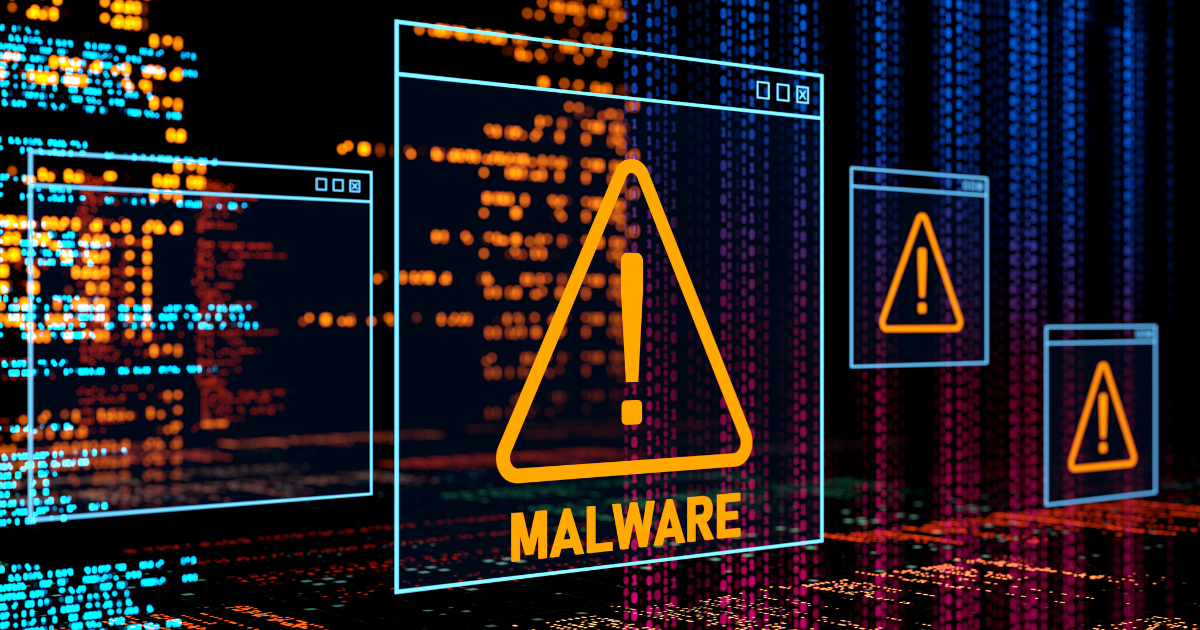
Cybercriminals don’t just target large corporations anymore everyday laptop users are now prime targets for malware, ransomware, and data theft. Whether you use your laptop for work, online banking, or personal browsing, a single infection can expose sensitive information, slow down your system, or even lock you out completely.
The good news is that protecting your laptop doesn’t require advanced technical skills. By following a few essential security practices and using the right tools, you can significantly reduce your risk and keep your data safe.
This guide walks you through practical steps to strengthen your laptop security and defend against modern malware threats.
Why Laptop Security Matters More Than Ever
As more of our daily activities move online, laptops store increasingly valuable data from passwords and financial information to personal files and work documents. Attackers constantly scan the internet looking for vulnerable devices, outdated software, and weak credentials.
Malware infections can lead to:
- Identity theft
- Financial loss
- Data breaches
- System damage
- Loss of important files
Understanding the risks is the first step toward building strong protection.
Install Reliable Antivirus and Anti-Malware Software
Security software is your first line of defense against threats. A good antivirus solution helps detect, block, and remove malicious programs before they can cause harm.
Look for tools that offer:
- Real-time protection
- Automatic updates
- Web protection
- Ransomware protection
- Scheduled scans
Built-in security tools on modern operating systems provide solid protection, but combining them with a reputable anti-malware tool can improve detection of advanced threats.
Enable and Configure Your Firewall
A firewall acts as a protective barrier between your laptop and the internet. It monitors incoming and outgoing traffic and blocks suspicious connections that could allow attackers access to your device.
Most operating systems include a built-in firewall. Make sure it is turned on and properly configured. This simple step prevents many unauthorized access attempts.
Use a VPN on Public Networks
Public WiFi networks in cafes, airports, and hotels are convenient but often insecure. Attackers can intercept data transmitted over these networks if it’s not encrypted.
Using a Virtual Private Network (VPN) encrypts your internet connection, protecting your data from eavesdropping and reducing the risk of man-in-the-middle attacks.
Keep Your Operating System and Software Updated
Software updates are critical because they patch security vulnerabilities that attackers actively exploit. Running outdated software is one of the easiest ways to become infected with malware.
Enable automatic updates whenever possible and regularly check for updates on:
- Operating system
- Web browsers
- Applications
- Security software
Keeping everything updated ensures you have the latest protections.
Download Software Only from Trusted Sources
Installing software from unofficial or unknown websites is a common cause of malware infections. Always download applications directly from official vendor websites or trusted app stores.
Avoid pirated software and cracked applications, as these frequently contain hidden malicious code.
Be Cautious with Email Attachments and Links
Phishing emails remain one of the most common ways malware spreads. Attackers disguise malicious attachments or links as legitimate messages.
Stay cautious by:
- Avoiding unexpected attachments
- Verifying the sender before clicking links
- Looking out for urgent or suspicious messages
- Never sharing sensitive information via email
A moment of caution can prevent a serious security incident.
Use Strong Passwords and Enable Two-Factor Authentication
Weak passwords make it easy for attackers to gain access to accounts and install malware. Create strong, unique passwords using a combination of letters, numbers, and symbols.
Enable two-factor authentication (2FA) wherever possible. This adds an extra layer of security by requiring a second verification step.
Perform Regular System Scans
Running regular scans helps detect hidden threats before they cause damage. Schedule weekly or monthly scans using your security software and review any alerts carefully.Early detection is key to preventing malware from spreading or stealing data.
ALSO READ
- AI Is Powering Cyber Attacks. Here’s How to Stay Ahead
- How to Protect Yourself From Public WiFi Attacks
- Top Cybersecurity Threats for Businesses in 2026
- Cybersecurity Ports Cheat Sheet (TCP/UDP 2026)
Final Thoughts
Strong laptop security isn’t about relying on a single tool; it’s about building layered protection. By combining updated software, strong authentication, safe browsing habits, and reliable security tools, you significantly reduce your risk of infection.
Cyber threats will continue to evolve, but staying proactive and security-aware ensures your laptop remains a safe and reliable tool for work and everyday life. Investing a little time in security today can save you from major problems tomorrow.
For additional guidance, readers may consult publications from HP.
Disclaimer
This article is provided for educational and defensive cybersecurity purposes only. The information is intended to help individuals and organizations improve security awareness and strengthen their security posture. It does not encourage or support unauthorized access, testing, or exploitation of systems.