Ransomware Prevention for Small Businesses: How to Protect Your Company in 2026

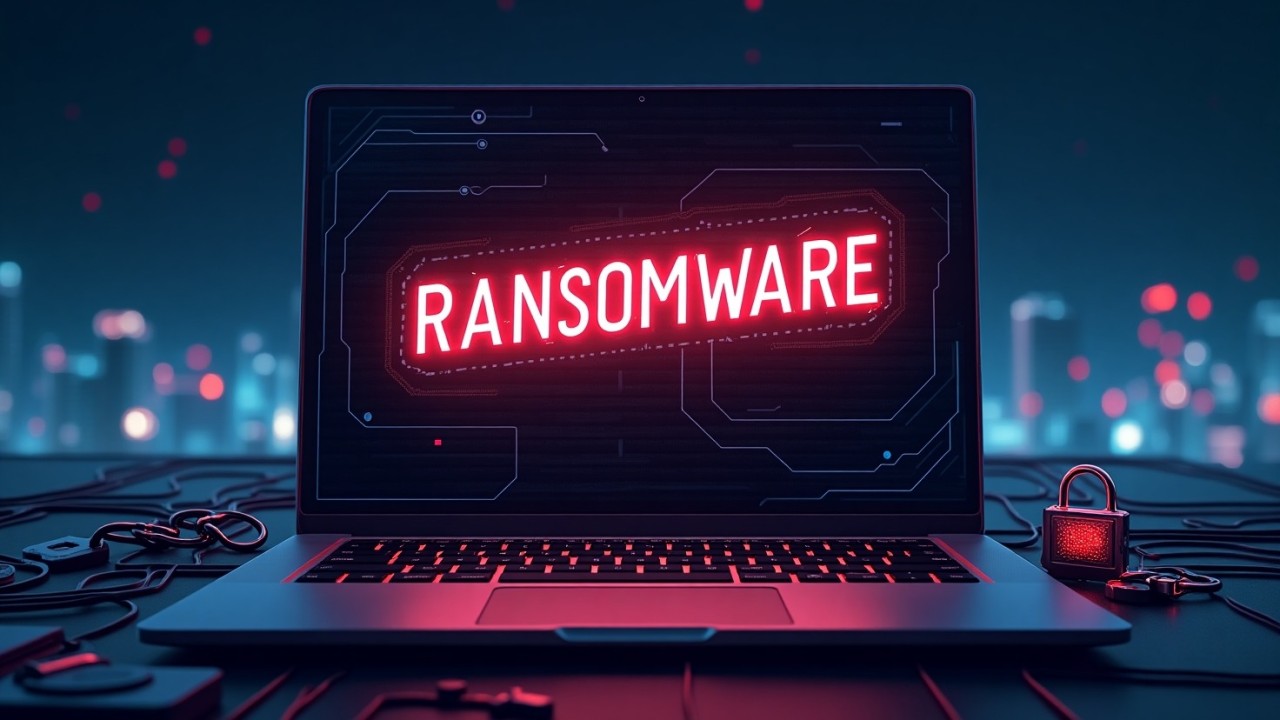
Ransomware is no longer a threat limited to large corporations. Small businesses are increasingly targeted because attackers know they often lack dedicated security teams and mature protection controls. A single successful attack can halt operations, lock critical data, and demand payment for recovery. For many small companies, the financial and reputational damage can be severe.
Recent industry reports indicate that a significant percentage of small businesses affected by ransomware struggle to recover due to operational disruption and financial loss.
Understanding how ransomware works and how to prevent it is essential for protecting your business in 2026.
JOIN WHATSAPP GROUP FOR UPDATES
Why Small Businesses Are Targeted
Cybercriminals focus on small and medium-sized businesses because they are easier to breach. Many rely on limited security controls, outdated systems, or shared passwords. Attackers also understand that smaller companies cannot afford extended downtime, making them more likely to pay quickly.
Common targets include:
- customer databases
- accounting systems
- inventory and operations software
- email systems
- employee records
When these systems become inaccessible, daily operations can stop immediately.
How Ransomware Attacks Start
Most ransomware infections begin with a simple mistake or overlooked vulnerability.
Phishing Emails
Employees may receive messages disguised as invoices, delivery notices, or payment confirmations. Clicking a malicious link or attachment can silently install ransomware.
Remote Desktop Protocol (RDP) Attacks
Weak passwords or exposed remote access services allow attackers to log in and deploy ransomware manually.
Outdated Software and Systems
Unpatched operating systems and applications provide easy entry points for attackers.
Malvertising and Infected Downloads
Visiting compromised websites or installing unauthorized software can trigger malware installation.
Warning Signs of a Ransomware Infection
Early detection can reduce damage. Watch for:
- files suddenly becoming inaccessible
- unusual file extensions or renamed documents
- system slowdowns or unexpected crashes
- ransom notes appearing on screens
- antivirus protection being disabled
If any of these occur, disconnect affected systems from the network immediately.
Essential Steps to Prevent Ransomware
1. Maintain Secure Backups
Regularly back up business data and store copies offline or in secure cloud storage. If ransomware strikes, backups allow you to restore operations without paying attackers.
2. Train Employees to Recognize Threats
Human error remains a major risk. Teach staff to avoid suspicious links, verify unexpected attachments, and report unusual emails promptly.
3. Use Strong Passwords and Multi-Factor Authentication
Require strong passwords and enable multi-factor authentication for email, remote access, and business systems to prevent unauthorized access.
4. Keep Systems Updated
Apply security updates promptly. Many ransomware attacks exploit vulnerabilities that already have available fixes.
5. Secure Remote Access
Restrict remote desktop access, use secure VPN connections, and implement login attempt limits to block brute-force attacks.
6. Install Reliable Endpoint Protection
Modern endpoint protection tools detect suspicious behavior and stop ransomware before files are encrypted.
Should You Pay the Ransom?
Security experts and law enforcement agencies advise against paying. Payment does not guarantee data recovery and may encourage further attacks. Having reliable backups and a recovery plan is the safest strategy.
Build a Ransomware Response Plan
Preparation reduces downtime and panic. Your response plan should include:
- isolating infected systems
- contacting IT or cybersecurity professionals
- restoring data from backups
- notifying affected stakeholders if required
A clear plan enables faster recovery and reduces operational impact.
JOIN WHATSAPP GROUP FOR UPDATES
ALSO READ
- AI Is Powering Cyber Attacks. Here’s How to Stay Ahead
- How to Secure Your Laptop Against Malware (Complete Protection Guide 2026
- SMS 2FA Security Limitations in 2026 and How to Protect Your Accounts
Final Thoughts
Ransomware attacks continue to rise, and small businesses remain among the most vulnerable targets. The good news is that prevention does not require a large budget. Practical measures such as employee training, secure backups, timely updates, and strong authentication can significantly reduce risk.
Protecting your business today ensures continuity tomorrow. In today’s digital environment, ransomware prevention is no longer optional it is a fundamental business requirement.
Recommended Security Practices
- Conduct regular cybersecurity risk assessments
- Implement least-privilege access controls
- Test backup restoration procedures periodically
- Monitor systems for unusual activity
- Consider managed security services if in-house expertise is limited
- Review cyber insurance coverage options
Disclaimer
The information on SecurityInsightsPro.com is provided for educational and informational purposes only and should not be considered professional cybersecurity, legal, or technical advice. Always consult qualified professionals before implementing security measures. The site and its authors are not responsible for any actions taken based on this content.