Is Your Email Account Compromised? 7 Red Flags and Immediate Fixes 2026.

Introduction
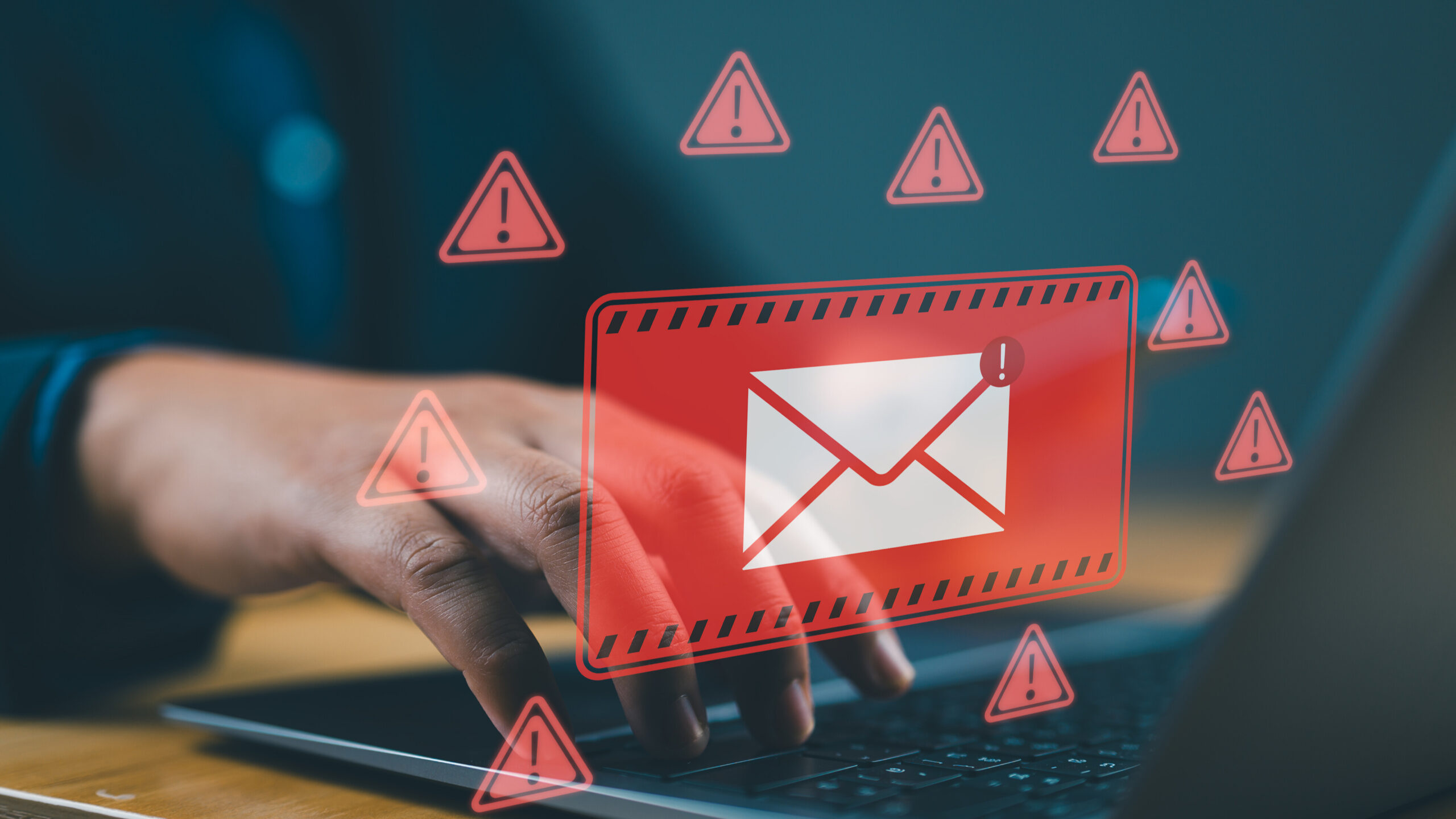
Email accounts are at the center of our digital lives. They are not just tools for communication they act as gateways to banking services, social media platforms, cloud storage, subscriptions, and workplace systems. Because of this, a compromised email account can quickly turn into a serious security incident. Attackers who gain access can reset passwords, impersonate you, intercept sensitive conversations, and potentially access financial or confidential information.
Understanding how to recognize early warning signs of a breach is one of the most important steps in protecting yourself online. The sooner you detect suspicious activity, the faster you can respond and minimize damage. This guide will walk you through practical signs to watch for and simple steps you can take to secure your account.
JOIN WHATSAPP GROUP FOR UPDATES
Common Signs Your Email May Be Compromised
One of the earliest warning signs is unusual account activity. You may receive login alerts from unfamiliar locations, devices, or IP addresses. While occasional travel can trigger alerts, unexpected notifications should always be investigated.
Another common indicator is receiving password reset emails that you did not request. This could mean someone is attempting to access your account or has already begun the takeover process.
You should also check your sent folder regularly. If you notice messages you did not write, especially those containing links or urgent requests, it may indicate your account is being used to send spam or phishing emails. Often, friends or colleagues might report receiving strange messages from you before you even notice anything unusual take these reports seriously.
Step One: Review Account Activity
Start by checking your email provider’s security dashboard or recent activity logs. Look for unfamiliar devices, browsers, or geographic locations. If anything appears suspicious, log out of all active sessions immediately and review connected apps that have account access.
Step Two: Change Your Password Immediately
If you suspect compromise, change your password right away. Create a strong password that is long, unique, and not used anywhere else. Avoid predictable patterns such as birthdays, names, or simple sequences. A passphrase made up of random words is often easier to remember and more secure.
Step Three: Enable Multi-Factor Authentication
Multi-factor authentication adds a critical extra layer of protection by requiring a second verification step, such as a mobile prompt or authentication app code. Even if someone obtains your password, this extra layer can prevent them from gaining access to your account.
Step Four: Review Recovery Information
Check that your recovery email addresses and phone numbers are correct and belong to you. Attackers often change these settings to maintain persistent access and lock you out. Removing unknown recovery options is essential to regaining full control.
Step Five: Scan for Malware
Sometimes account compromise happens because of malware or malicious browser extensions capturing credentials. Run a full security scan on your devices and ensure your operating system, browser, and security software are fully updated. Removing threats at the device level helps prevent repeat incidents.
Prevention Tips
Practicing good digital hygiene can significantly reduce your risk. Use a reputable password manager to generate and store unique passwords for every account. Be cautious when clicking links in emails, especially those creating urgency or requesting sensitive information. When in doubt, verify requests directly through official channels instead of responding to the message.
Regularly reviewing account activity and enabling security alerts can help you detect suspicious behavior early. Small habits like these go a long way in maintaining your online safety.
JOIN WHATSAPP GROUP FOR UPDATES
ALSO READ
- Ransomware Prevention for Small Businesses: How to Protect Your Company in 2026
- Zero Trust Security Explained: A Complete Business Guide for 2026
- New AI Phishing Kits Emerging in 2026. Why Security Experts Are Concerned?
Conclusion
Email security is not just about protecting messages, it is about safeguarding your entire digital identity. By staying alert to warning signs and taking immediate action when something seems off, you can greatly reduce the impact of a potential breach. Proactive monitoring, strong authentication, and safe browsing habits remain your best defense against account compromise. Taking these steps today can save you significant time, stress, and potential financial loss in the future.
Disclaimer
The information on SecurityInsightsPro.com is provided for educational and informational purposes only and should not be considered professional cybersecurity, legal, or technical advice. Always consult qualified professionals before implementing security measures. The site and its authors are not responsible for any actions taken based on this content.